Ju-Nel Fashion Boutique
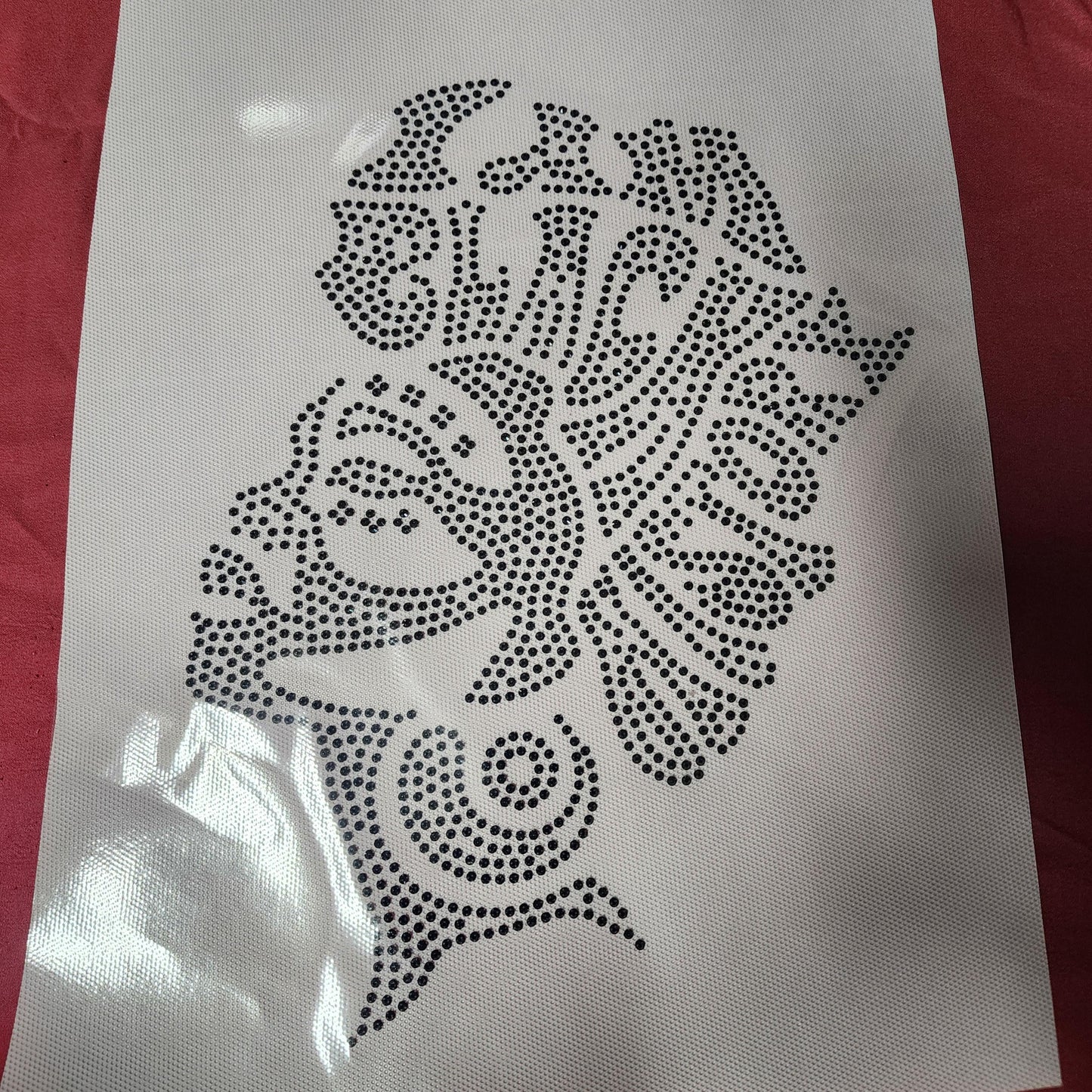
I Am Black History Hotfix Rhinestone Transfer
I Am Black History Hotfix Rhinestone Transfer
Couldn't load pickup availability
I AM BLACK HISTORY Hotfix Rhinestone transfer designs 8.5X11
Here are some instructions for applying spangle transfers using a heat press:
1. Prepare the transfer paper
Cut away any excess transfer paper. Acrylic transfer sheets provide a stable base for the Rhinestone machine to punch out the design.
2. Use a Teflon pillow
This optional, heat-resistant cushion elevates the design and provides even pressure and support under the garment. Heat press temp is 345 degrees for 15 seconds with the teflon sheet on top of design.
3. Apply the design
Place the rhinestone design on the garment carefully away from the heat press . Place shirt with the design on the teflon pillow and use a Teflon sheet on top. Lower the heat press. The heat and pressure activate the adhesive on the back of the rhinestone, bonding them to the garment.
4. Warm and peel
After finishing, remove the garment and lay it flat on a work table with the design facing down. Rub the back of the design to help it cool, then turn it over and rub the design firmly with another garment or the sleeve of the garment. Once the design is cool down slightly, peel off the transfer paper.
5. Press again
Press the design a second time for 5 seconds to help lock down the rhinestones.
6.Wait 48hrs before washing the garment, this will allow the glue to cure properly to the garment. Check out WWW.JUNELFASHIONBOUTIQUE.COM FOR MORE DECALS AND MORE
Share